
Marketing portal
Employee Templates
For internal SMC use only
- Download the editable PDF templates to your device
- Make the changes you need
- Follow the instructions below to save your changes
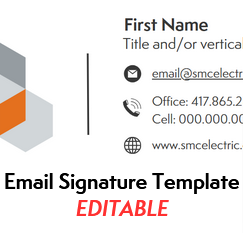
After editing, save as an image (.PNG) to your device.

To set up your email signature:
Step 1: Open Outlook and select New email on the Home tab.
Step 2: In the compose window that opens, go to the Insert tab.Step 3: Select the Arrow below Signatures and choose Signatures…
Step 4: In the subsequent pop-up window, pick the signature on the top left that you want to edit. If you're making a new one, tap New and name your signature.
Step 5: Look for the picture icon in the toolbar (shown above) and add your email signature as an image. Resize if needed.
Step 6: Adjust settings if needed and Save to preserve your changes.

Step 1: Open PDF file and Download to your computer.
Step 2: Update date, body text, and branch location/phone number.
Step 3: Add signature (if applicable) and Save your changes.